7 Mistakes to Avoid When Using Mobile Banking Applications
Mobile banking makes it easy to transfer money, pay bills and buy airtime without visiting a bank. However, a few careless habits can expose your account to fraud.
These risks can be avoided with simple changes to how you use your phone and banking app.
- 7 Mobile Banking App Mistakes to Avoid
- 1. Sharing Your OTP and PIN
Your OTP and PIN are private. Sharing them with someone who claims to be a bank employee can let fraudsters access your account.
What to do: Never disclose your OTP, PIN or password over a phone call, WhatsApp or text message. Genuine bank support should not need these details.
- 2. Clicking Suspicious Links
Fraudsters send fake messages claiming your account will be blocked or that you need to verify a transaction. These banking app phishing scams often lead to websites designed to steal your login details.
What to do: Avoid clicking unexpected links. Open your bank's official app or contact its verified customer service instead.
- 3. Using Weak Passwords
Using your birthday, phone number, or the same password across multiple platforms makes your account easier to compromise.
What to do: Create a strong, unique password and use a PIN that others cannot easily guess.
- 4. Connecting Through Unsecured Public Wi-Fi
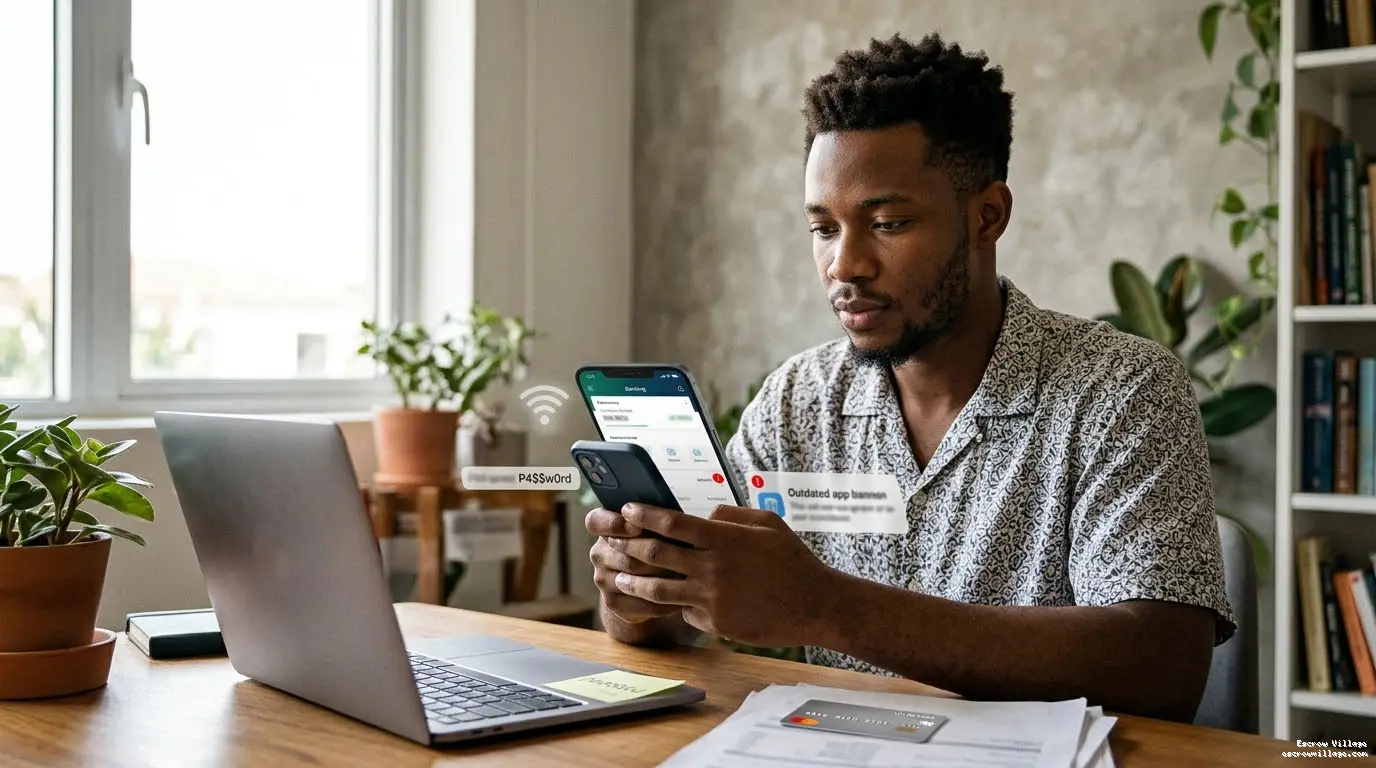
Free Wi-Fi at restaurants, airports and public spaces may expose your information to security risks, especially on poorly protected networks.
What to do: Use your mobile data for banking transactions. Avoid accessing your account through unfamiliar networks.
- 5. Ignoring Banking App Updates
App updates often fix security weaknesses and improve protection. Delaying them can leave your application exposed to known vulnerabilities.
What to do: Download updates from the official Google Play Store or Apple App Store. Never install banking apps from random websites.
- 6. Ignoring Your Phone's Security
A stolen or unlocked phone can expose more than your photos and messages. Someone may attempt to access your banking app, especially if your login details are saved.
What to do: Enable screen locks and biometric security. Contact your bank and mobile network provider immediately if your phone or SIM is stolen.
- 7. Sending Money Without Checking Recipient Details
A single wrong digit or an impersonator's account details can send your money to the wrong person. Remember, a successful transfer is not always easy to reverse.
What to do: Check the recipient's name, bank and account number before confirming. Be particularly careful with urgent payment requests from unfamiliar people.
- What to Do If Your Banking App Is Compromised
Act quickly if you notice an unfamiliar transaction or suspect someone has accessed your account.
- - Contact your bank through its official channel and request an account or channel block where necessary.
- - Ask the bank to investigate and flag unauthorised transactions.
- - Block your SIM through your network provider if your phone is missing.
- - Change your banking password and other affected credentials using a trusted device.
- - Report suspected fraud to the appropriate authorities.
- Frequently Asked Questions
- 1. Is mobile banking safe in Nigeria?
- Yes. Banking apps use security controls to protect customers, but your own habits also matter. Use official applications, protect your login details and monitor transactions.
- 2. Can someone access my bank account with my phone number?
- A phone number alone should not normally give someone access. However, SIM-swap fraud and stolen personal information can help criminals bypass security checks.
- 3. Should I share my OTP with a bank representative?
- No. Never share your OTP, even with someone claiming to work for your bank.
- 4. What should I do if my phone is stolen?
- Contact your bank immediately to restrict mobile banking access. Also ask your network provider to block your SIM and secure your phone through its available device-locking features.
Related services and practical guides
How to withdraw money from Escrow Village
Learn how to withdraw from your Escrow Village wallet. Check the bank or crypto details, fee and amount before you confirm.
Read the guide →Buy and sell goods and clothing on Village Market
Buy and sell clothing, phones and other goods on Village Market. Check the size, condition and delivery before you release payment.
Read the guide →Add money to your USD wallet with crypto
Learn how to add money to your Escrow Village USD wallet with crypto. Check the coin, network and address before sending.
Read the guide →How to spot a scam before you pay
Spot fake payment alerts, risky links and people pretending to be support. Learn what to check before you pay or release money.
Read the guide →